Connecting Hardware Devices
Connecting Hardware Devices
|
|
|---|---|
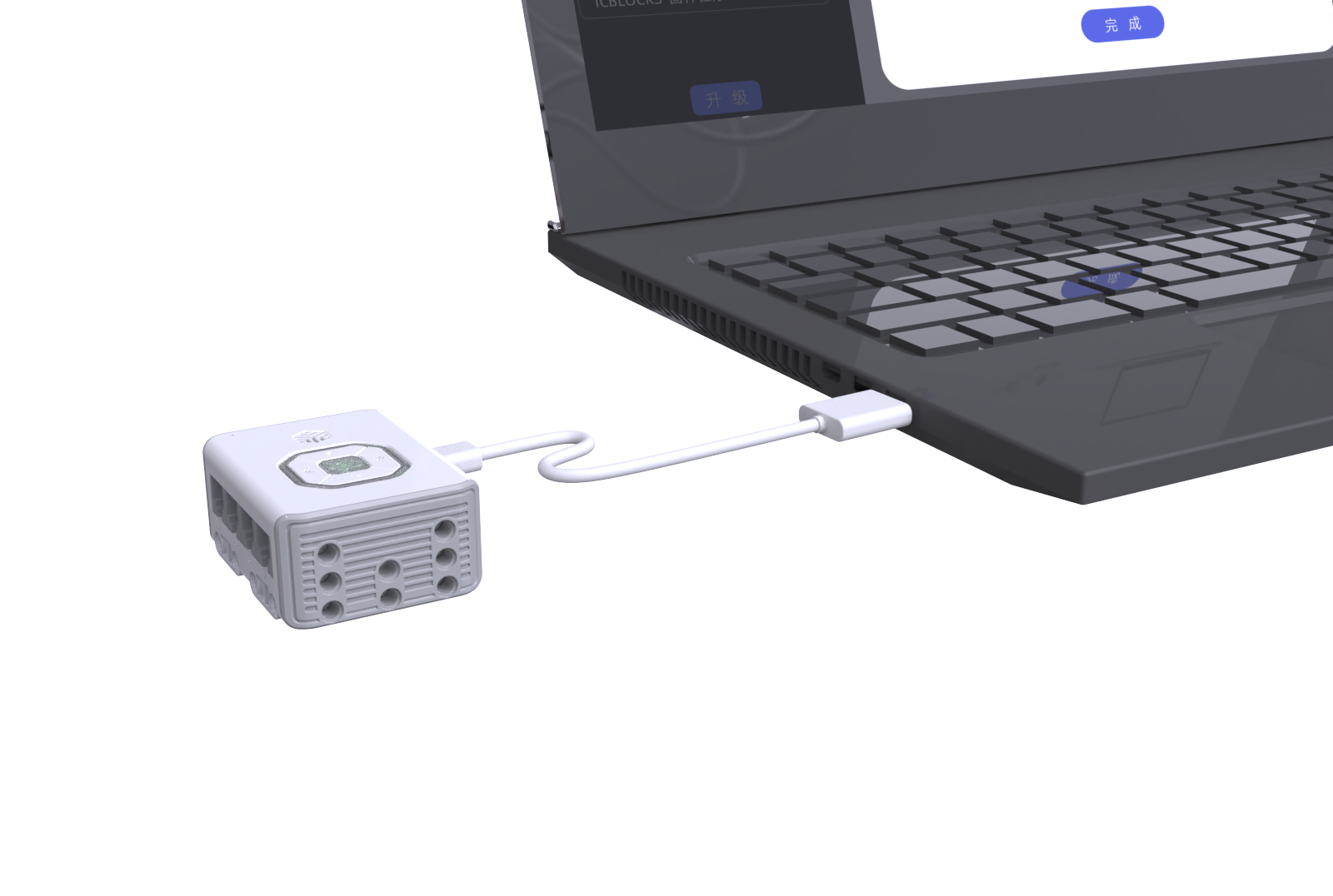
Step 1: Connect the ICBricks hub, USB-C data cable, and the PC COM port as shown in the diagram. |
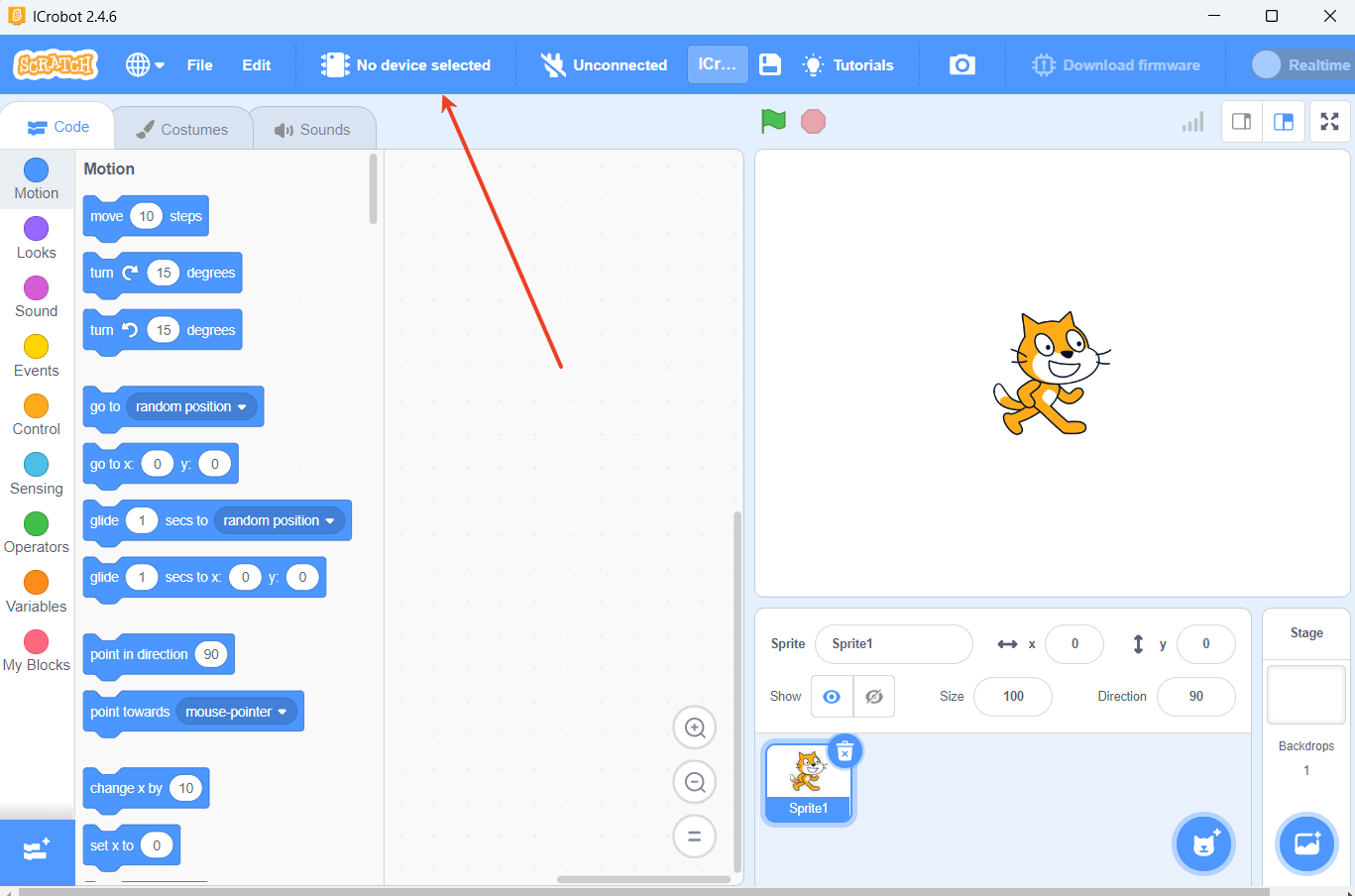
Step 2: Click on “No device selected” in the navigation bar to connect the device. |
|
|
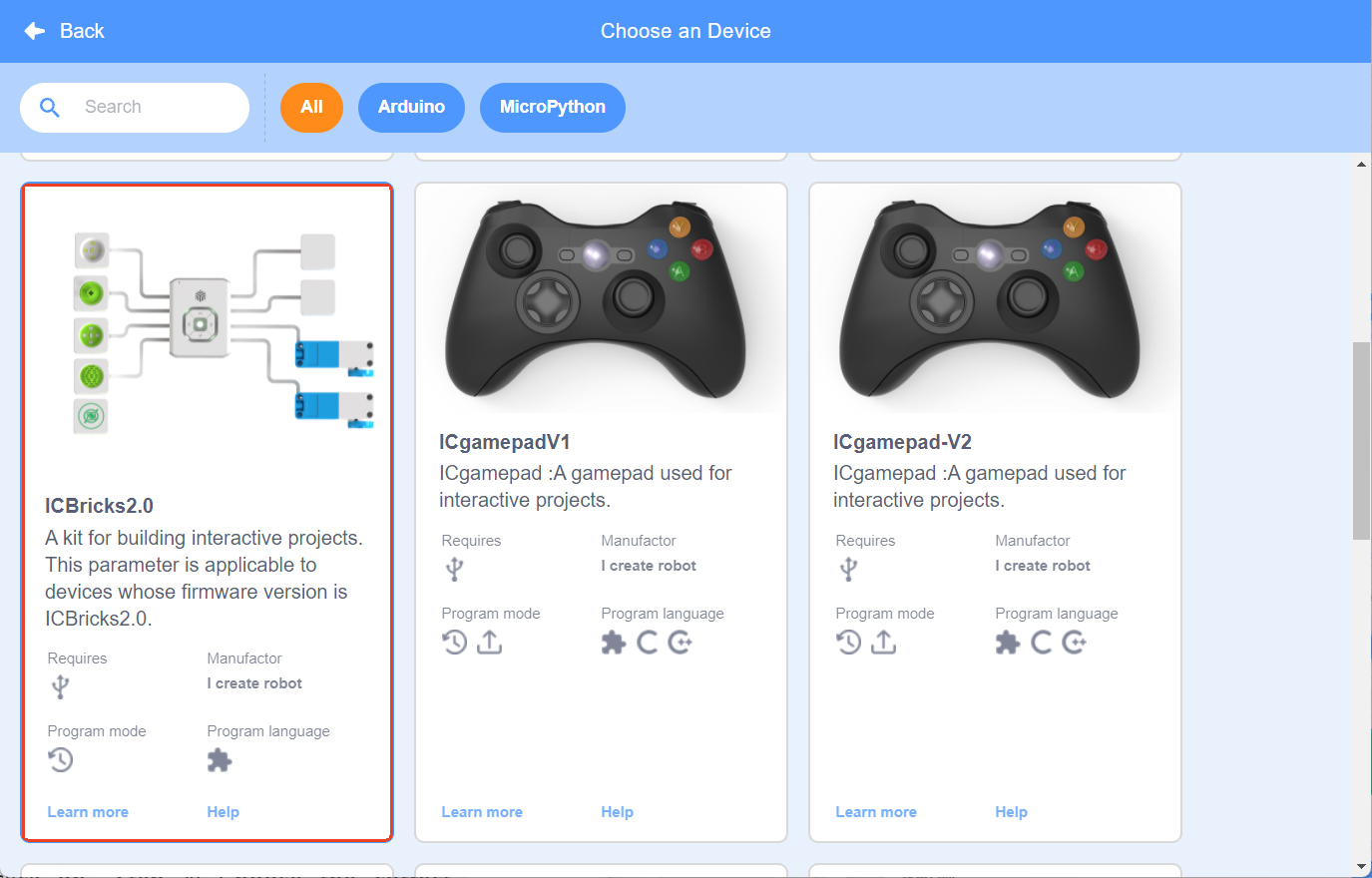
Step 3: Select and click on ICBricks 2.0. |
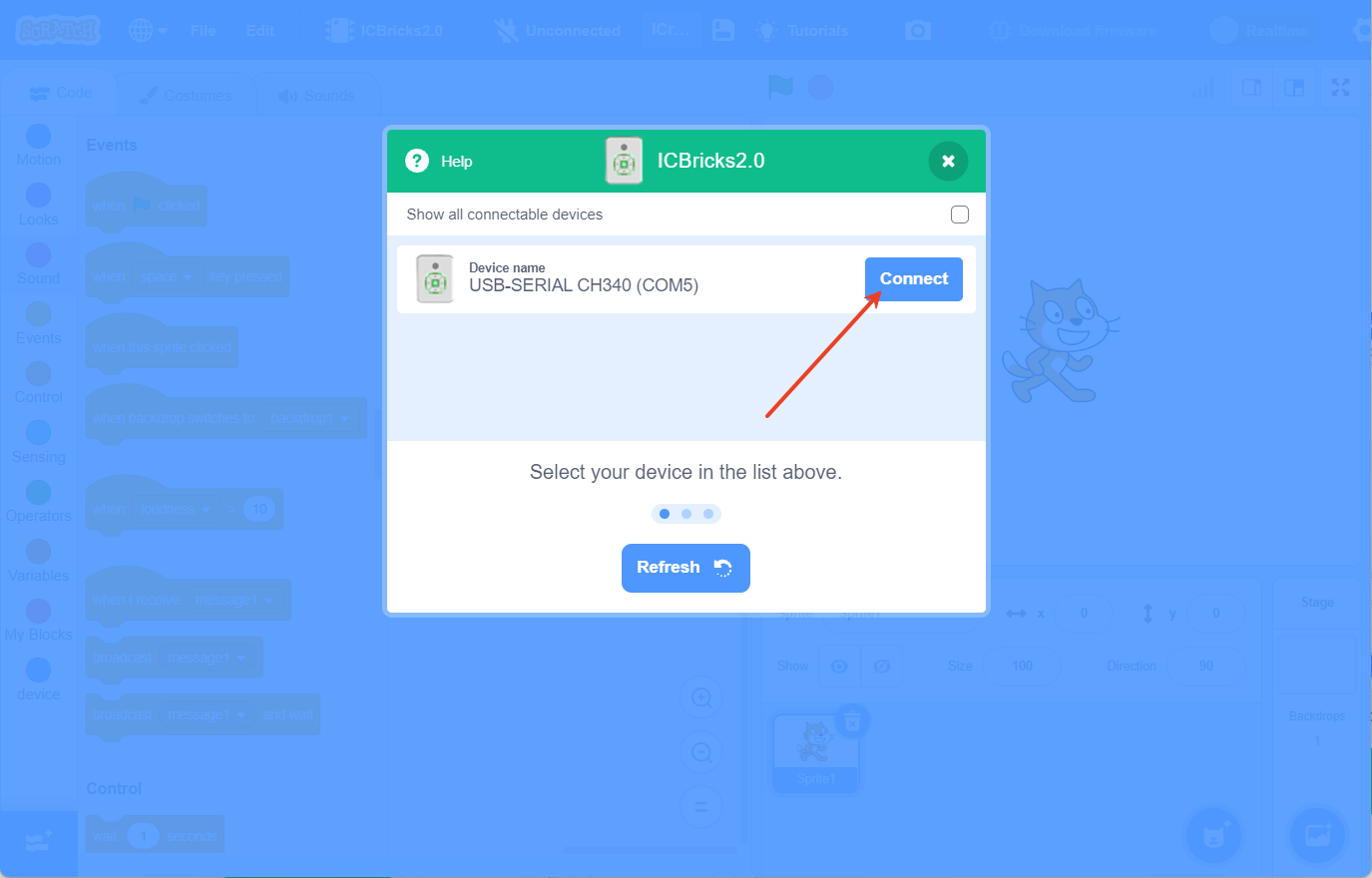
Step 4: Choose the correct COM port and click “Connect.” |
|
|
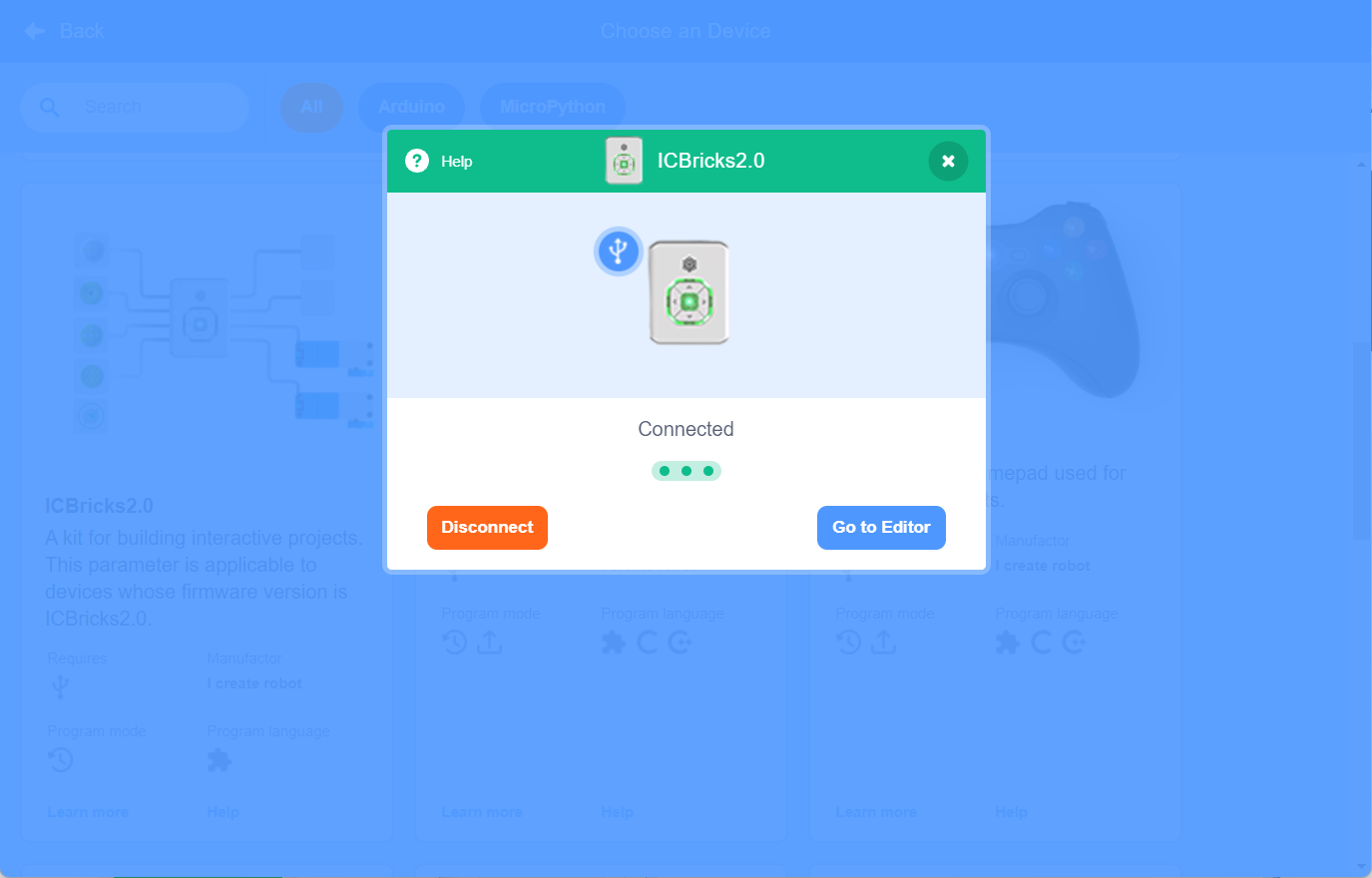
Step 5: Click “Return to Editor” to enter the coding interface. |
Coding Hardware Devices
Example:
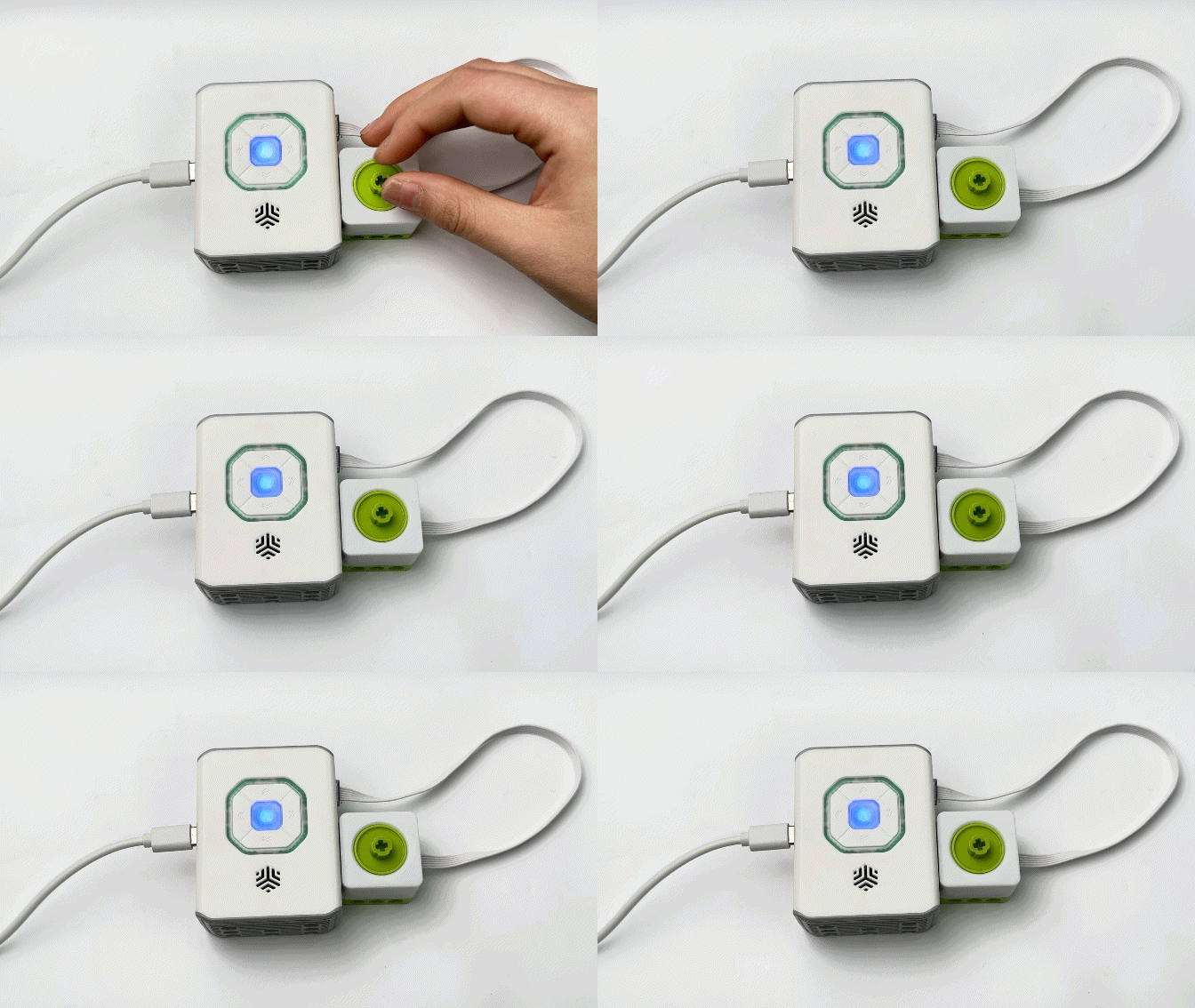
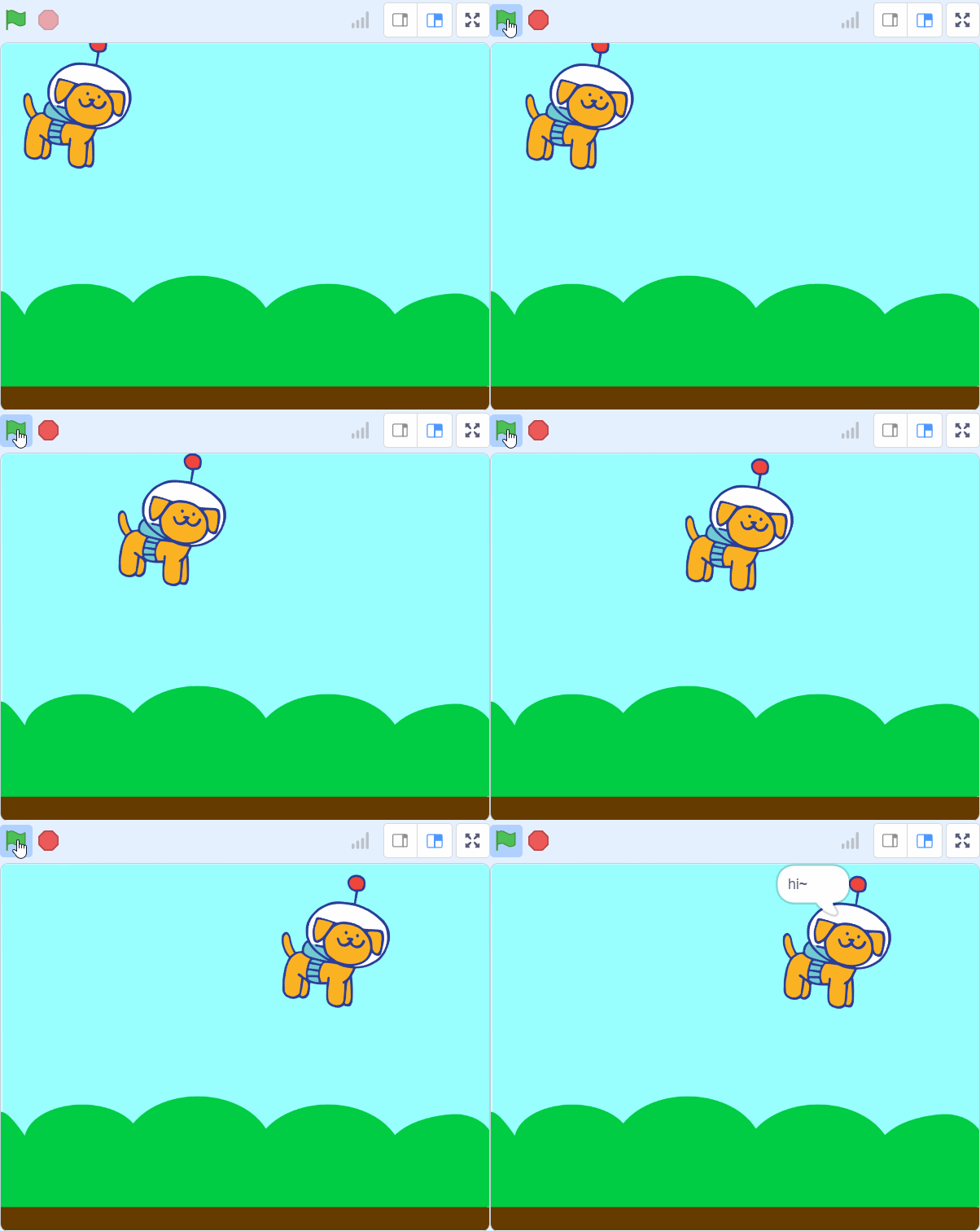
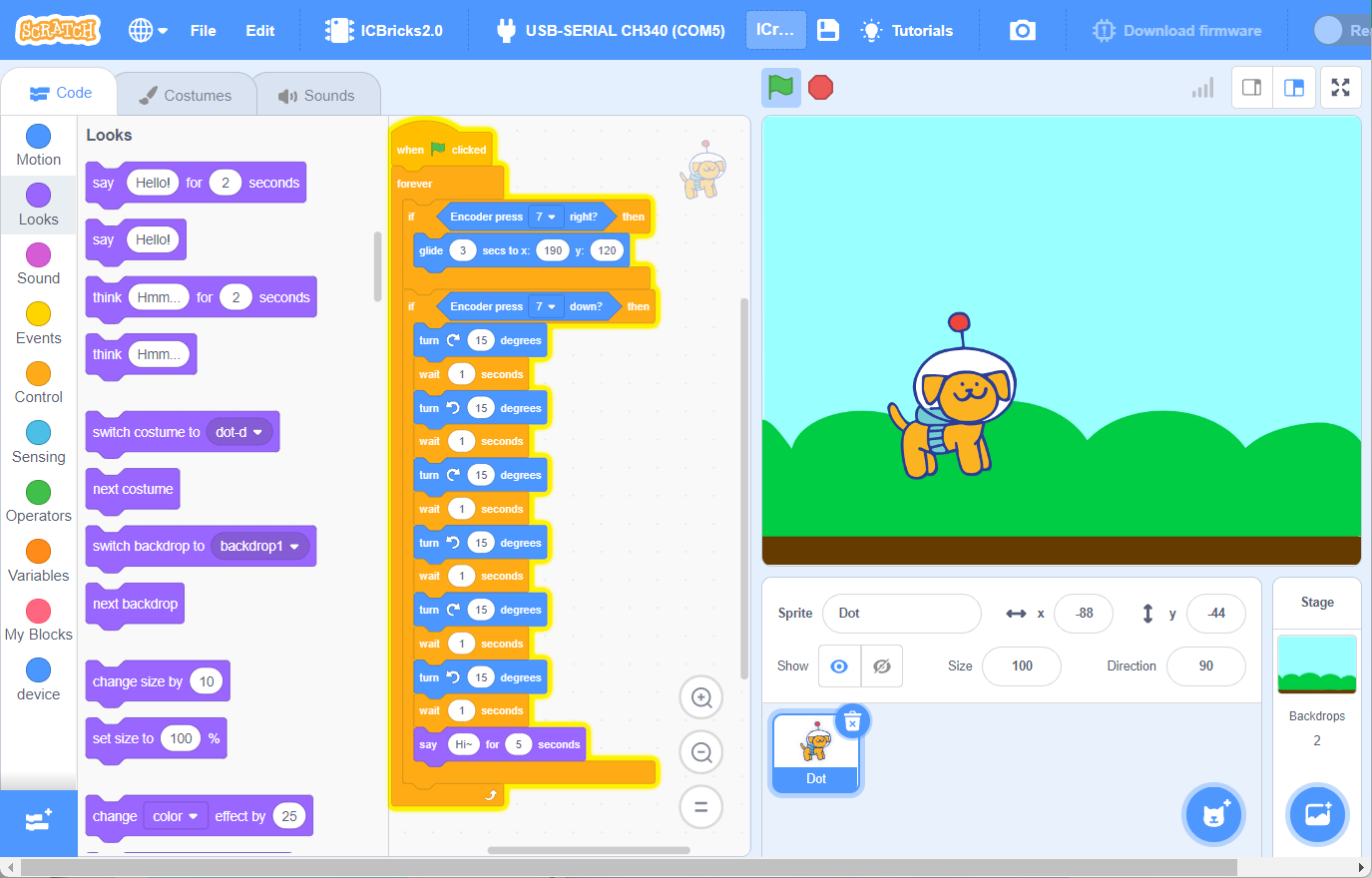
Control the character to perform various movements by changing the different states of the encoder.
Coding Content
Effect Demonstration