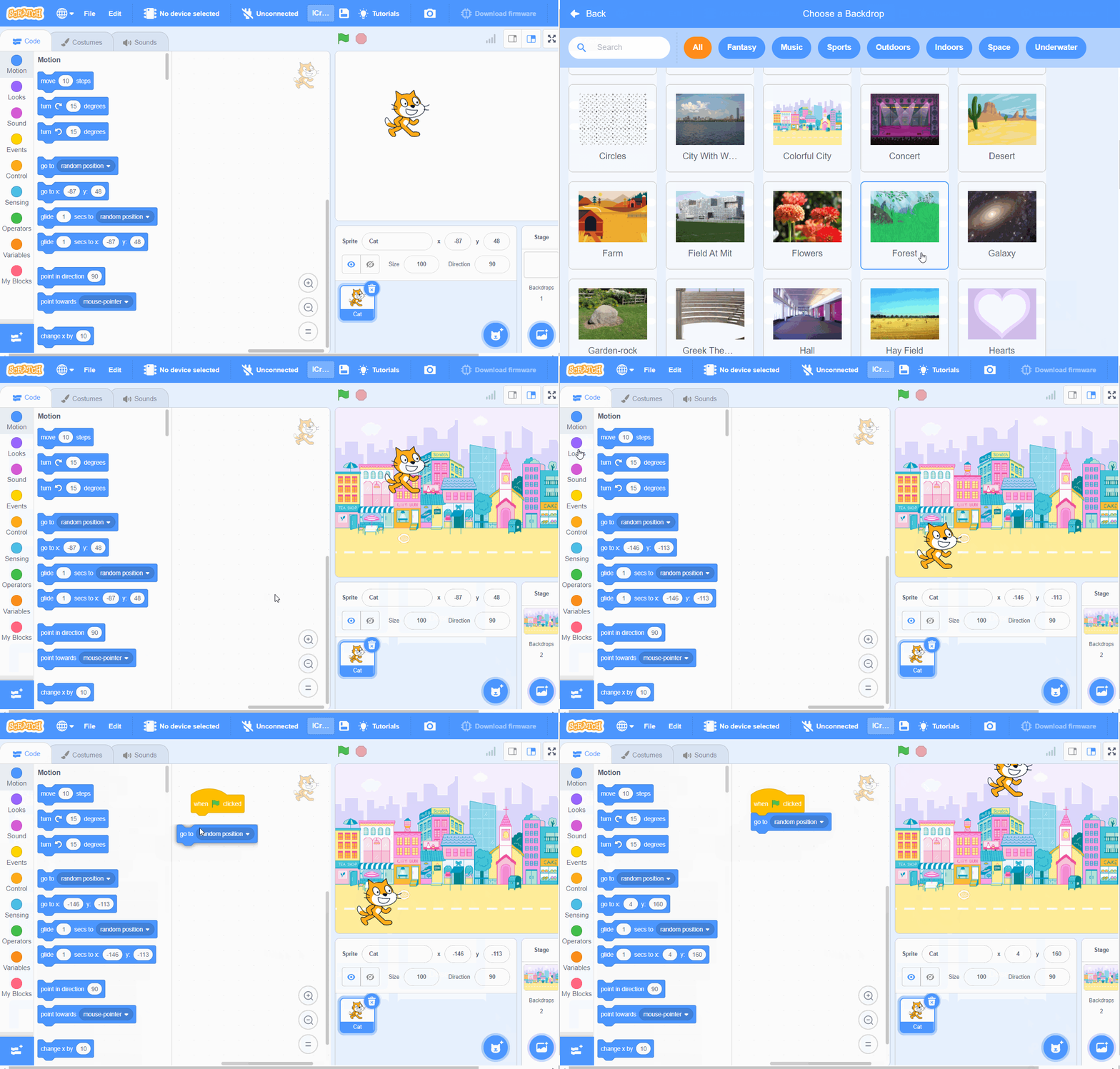
Drawing the Stage
Adding Characters
|
|
|
|---|---|---|
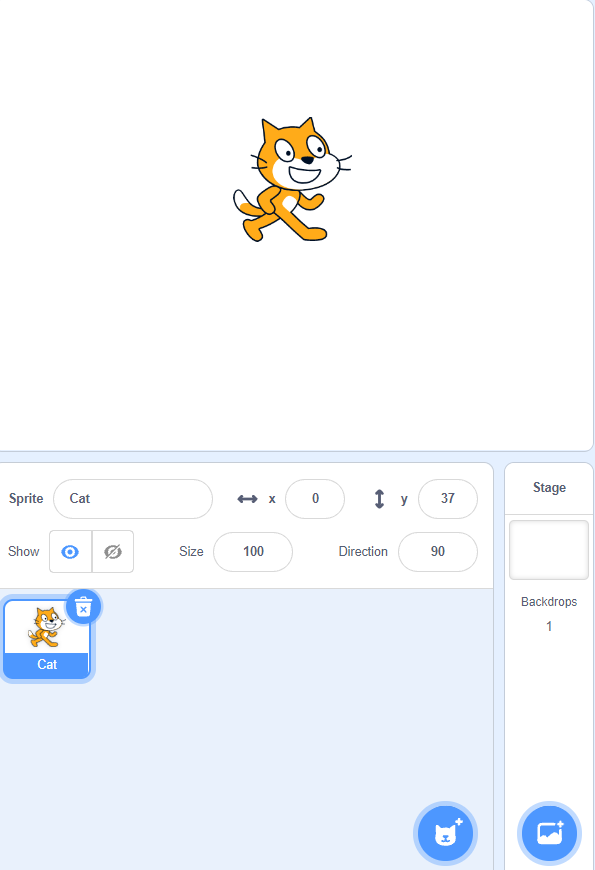
Step 1: The default character is CAT. |
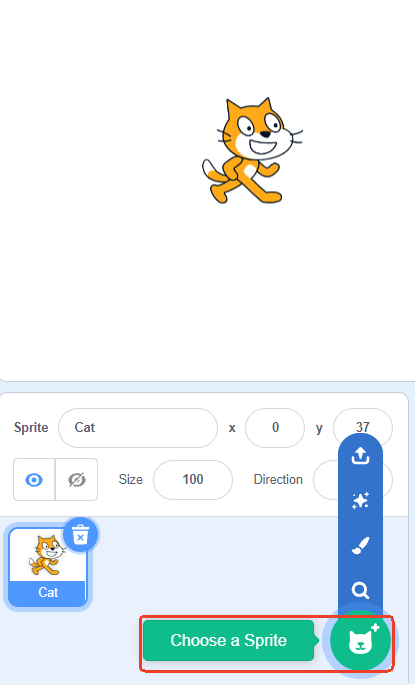
Step 2: Add a new character by clicking to select a character. |
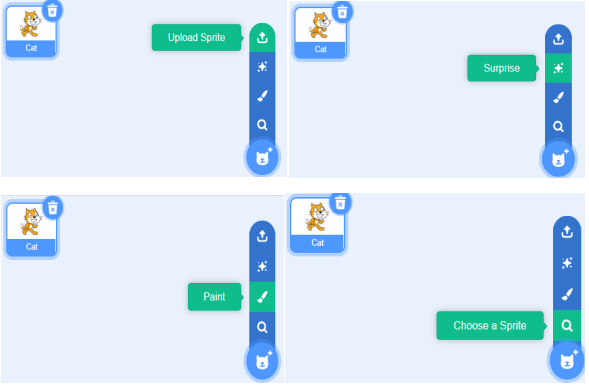
Step 3: There are four ways to choose a character: upload a character from your local device, randomly use a built-in character, select a built-in character, or manually draw a character. |
Adding Background
|
|
|
|---|---|---|
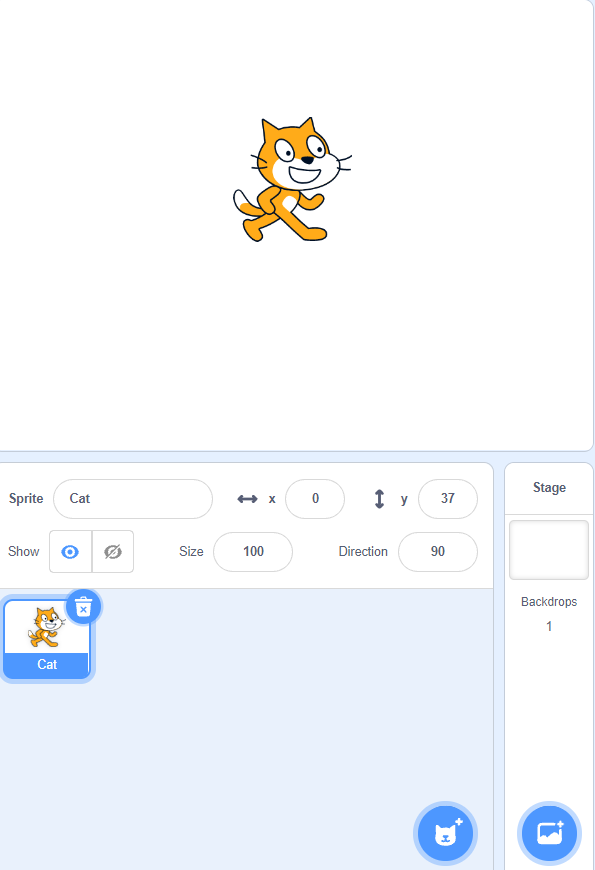
Step 1: The default background is blank. |
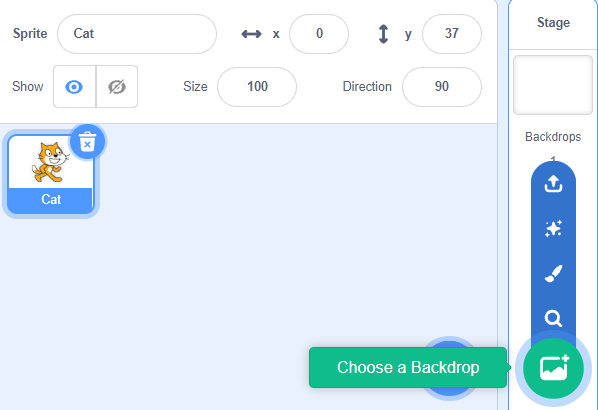
Step 2: Add a background by clicking to select a background. |
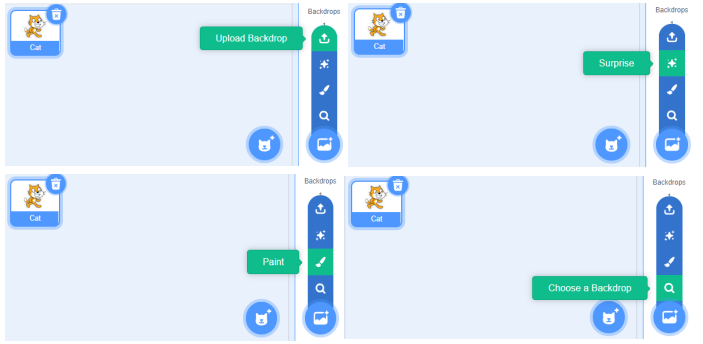
Step 3: There are four ways to add a background: upload a background from your local device, randomly use a built-in background, select a built-in background, or manually draw a background. |
Making Characters Move
Example:
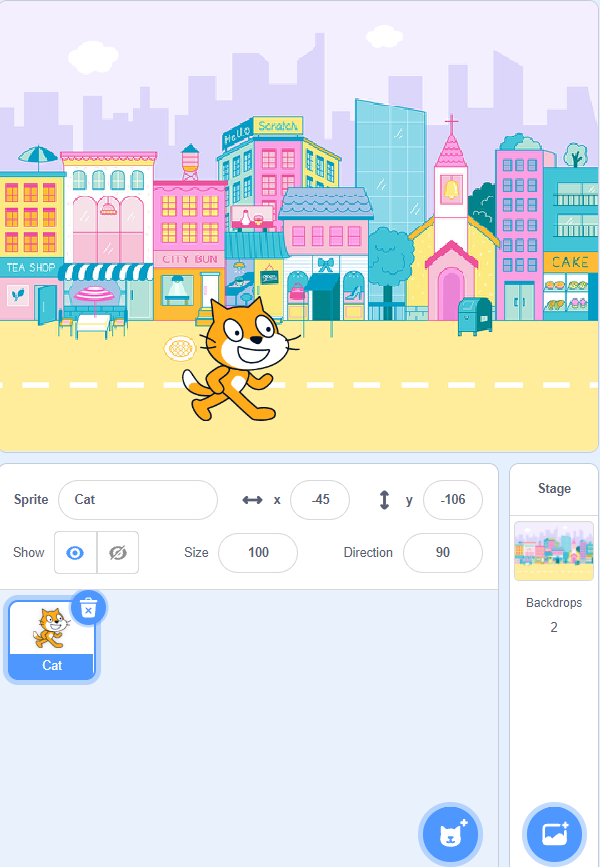
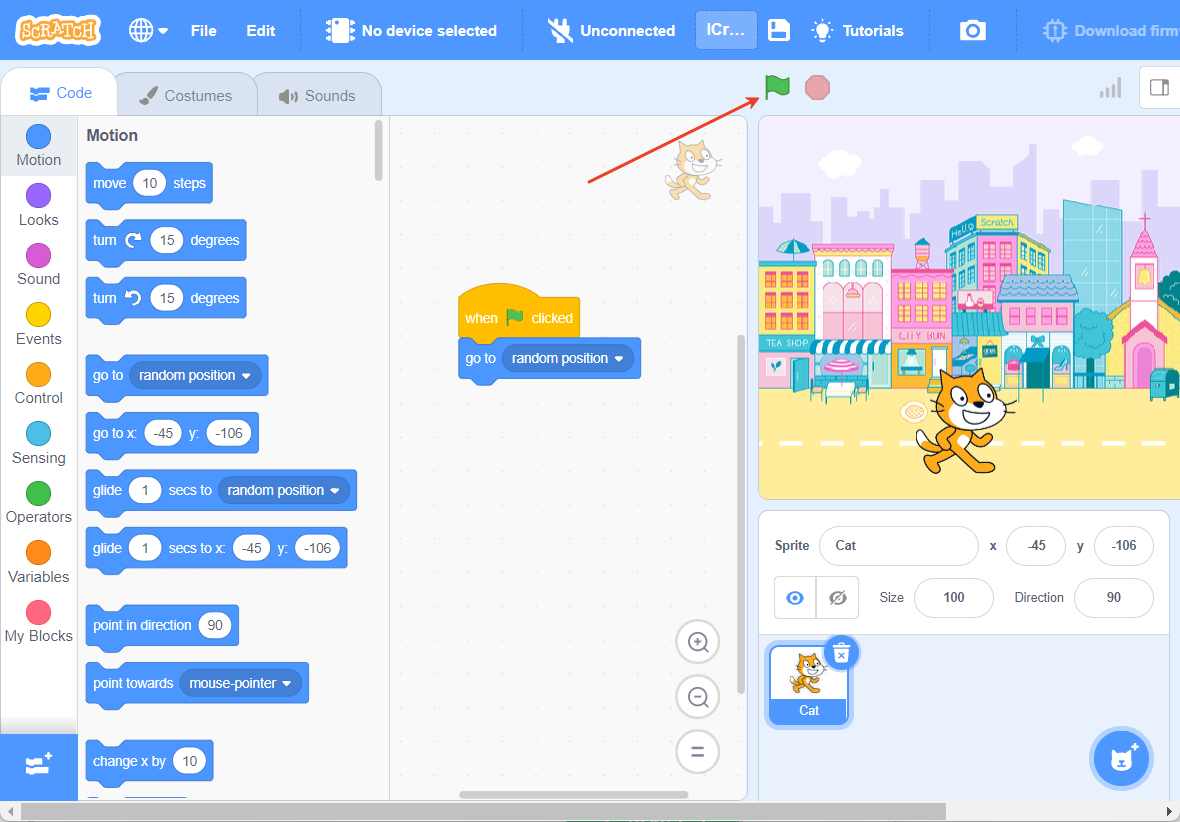
After adding a background and character, the character can move randomly when the green flag is clicked.
|
|
|---|---|
Step 1: Add a background and character. |
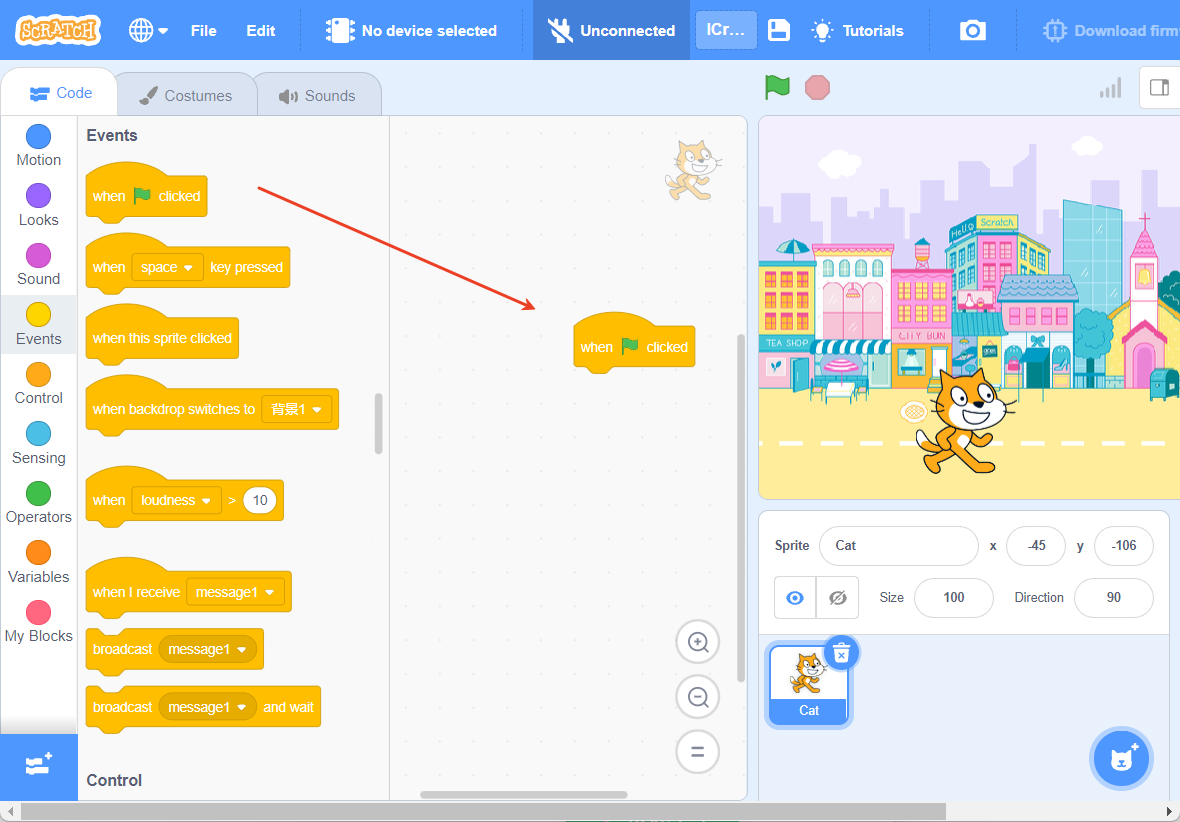
Step 2: In the “Events” commands, choose “When the green flag is clicked.” 。 |
|
|
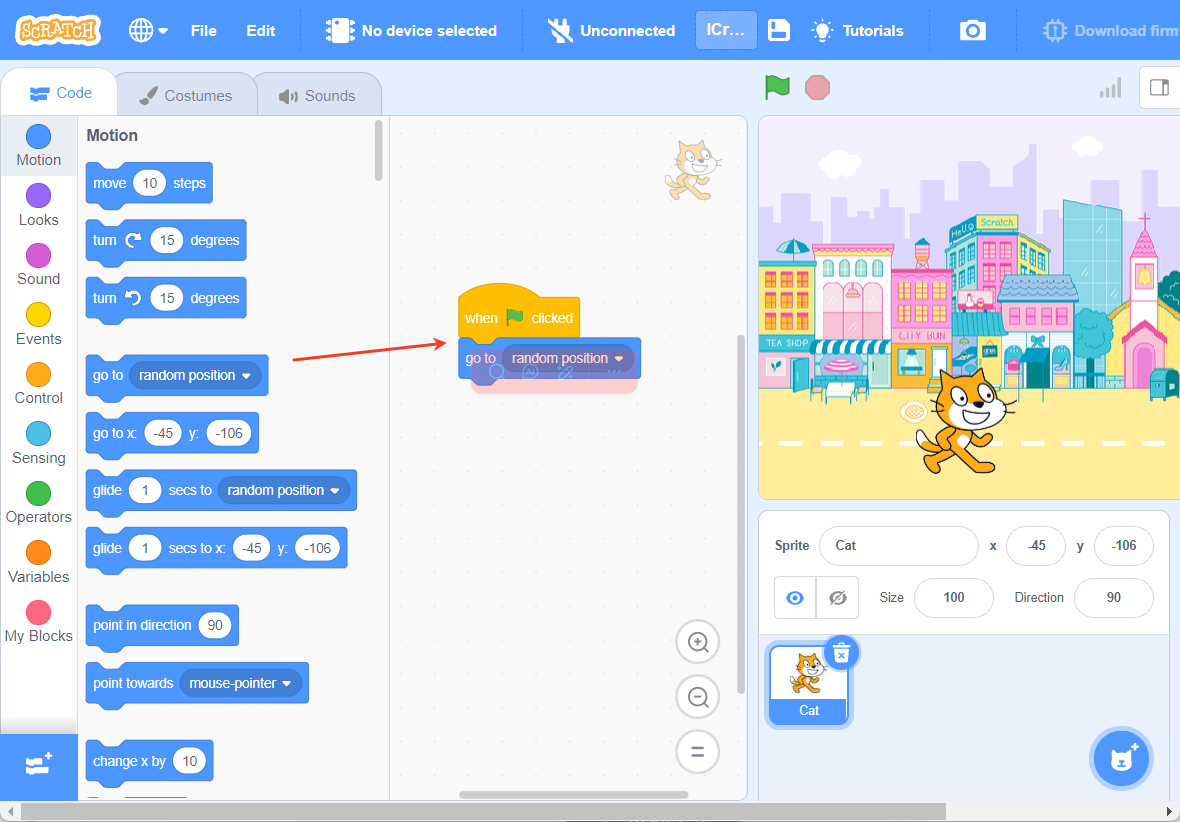
Step 3: In the “Motion” commands, choose “Move to a random position.” |
Step 4: Click the green flag to start the program. |
Effect Demonstration